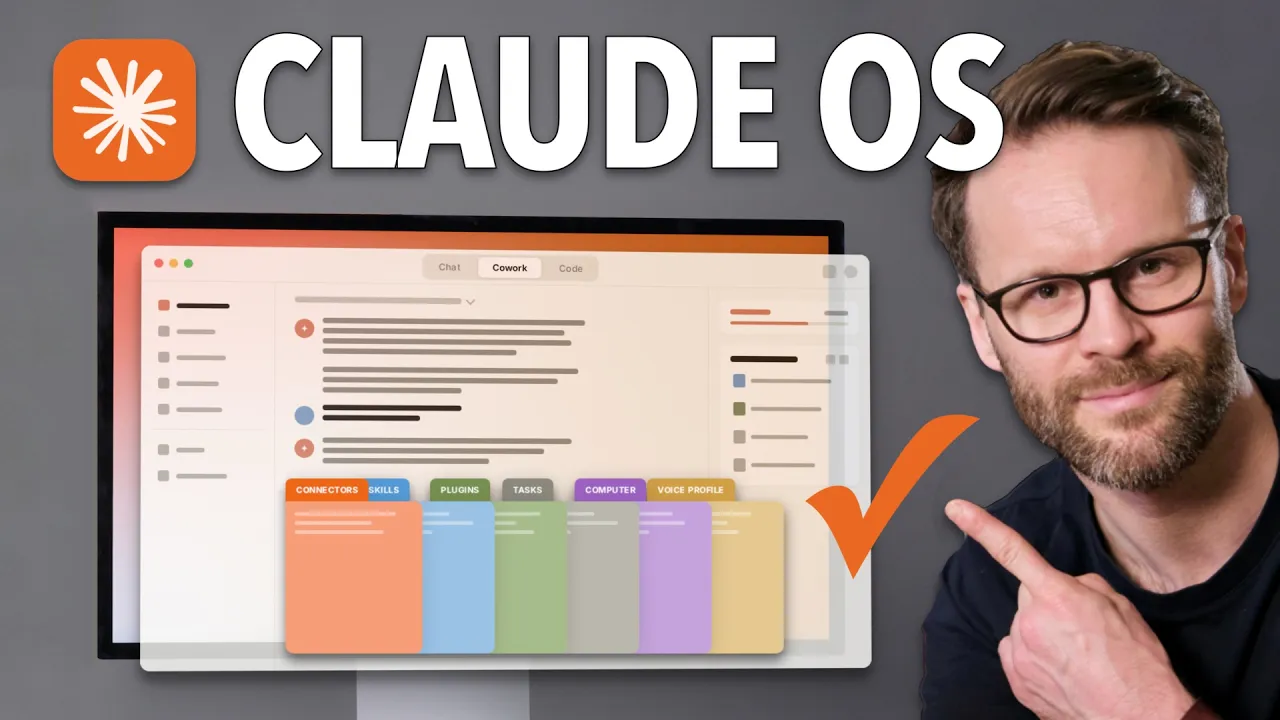
CoWork OS

Claude Cowork superchaged.

Turns Claude Desktop into a scalable second brain, and personal assistant.

Time to hand off your busy work.

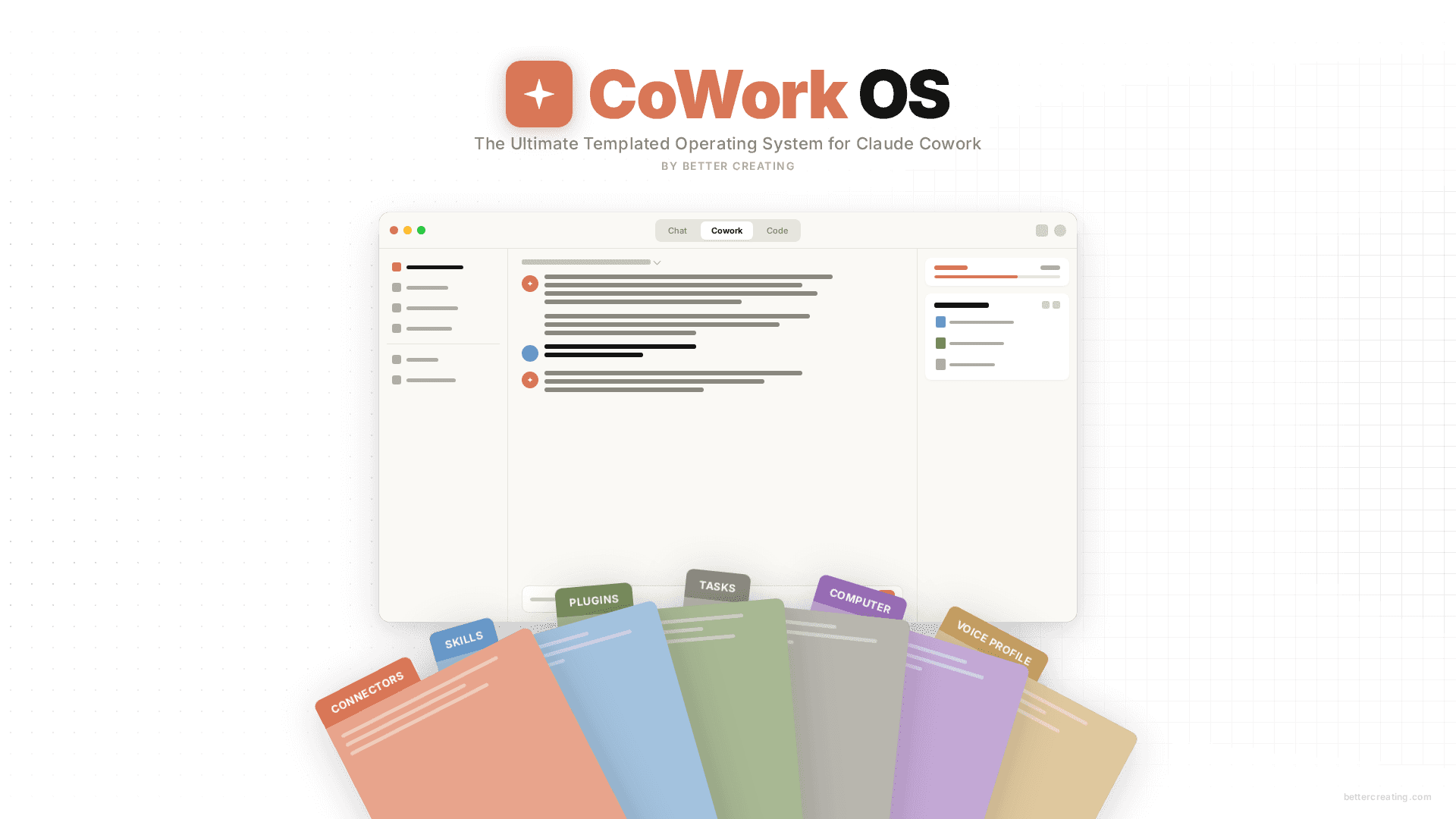
CoWork OS is a templated personal operating system that helps you fast track from beginner to power user on the Claude desktop app.

THIS IS A PRE-SALE / BETA LAUNCH ACCESS:

$149 $97 USD (+ your local taxes)

Test and use the Beta version immediately, and/or lock in early access to the full release. Please ensure you confirm your email for full release version, future updates & add-ons!

Go from Beginner to Power User Fast


Claude CoWork is powerful, but out of the box it doesn't know who you are, how you work, or what you're working on. CoWork OS fixes that, and much more.

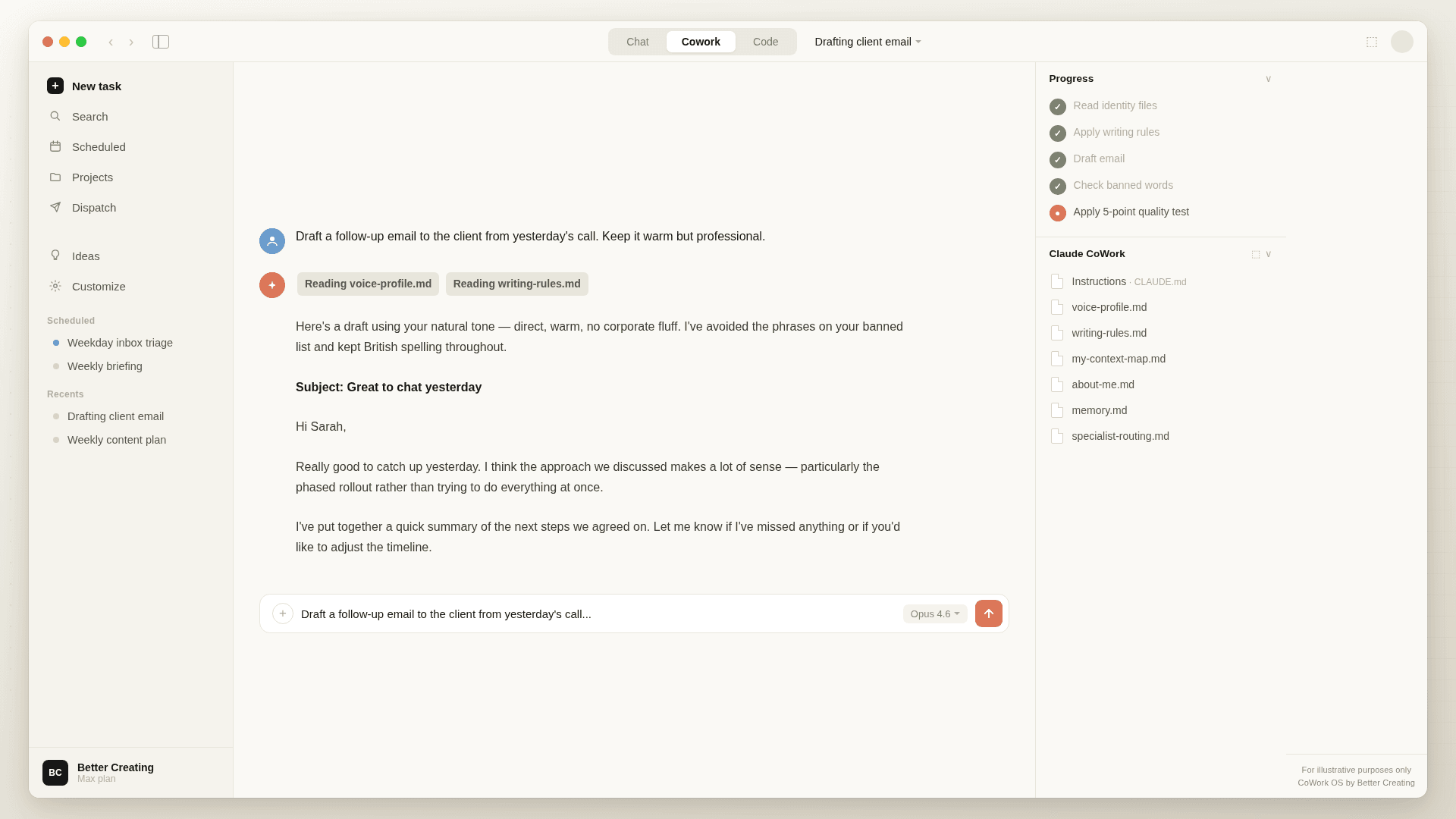
This system turns Claude CoWork from a generalist AI interface into a system that actually knows you — your voice, your tools, your projects, your preferences — and it gets smarter the longer you use it.

How it Works:

  1. Download Claude Desktop

  2. Download the complete folder system as a zip file

  3. Add it as your the selected Folder in Claude

  4. Ask Co-work to begin setup - and the onboarding coach does the rest with you.

  5. That's it! You are now head of 99% of new users immediately.

CoWorkOS will help build your identity files through conversation (no coding, no configuration headaches), and a built-in feedback loop reviews how you work and proposes improvements to your setup over time. This isn't a static template you download and forget. It's a living system that compounds.


What You’ll Need:

  • A Claude Account with a Pro Plan - I recommend having at least a pro plan to install this and use it effectively, which is, I think, very reasonable for what this does. I pay now for a max plan, and it's being a brilliant ROI.

  • Claude Desktop App - download the Claude desktop app, which allows you to use both chat, co-work, and Claude code from a user interface. This is the best way to get powerful AI as a non-technical user

  • Thirty minutes to do the initial onboarding process with the onboarding assistant plugin - Follow the included onboarding guide which will prompt you through the process of getting set up!

  • No serious AI or technical skills!

What You’ll Get

  • A Complete OS Folder Structure - instructions, files, and a PARA folder system and guides

  • Templated global Instructions including: About me, Voice profile, Anti-AI writing style, Specialist routing, Context maps and more

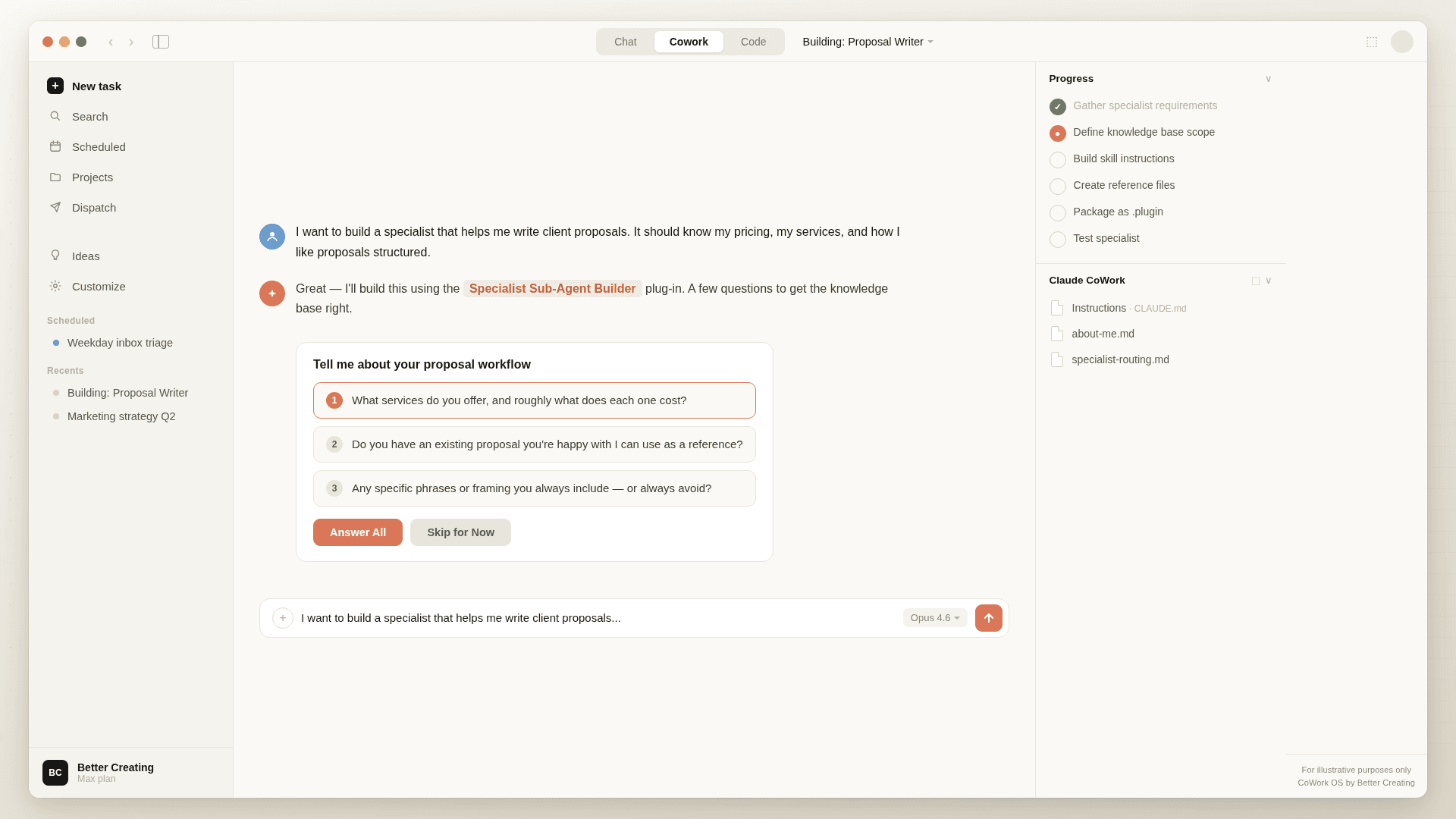
  • Custom Skills: Interactive onboarding coach, automated system review, weekly reviewer, PDF Designer and more

  • Specialist Plugins: Personal Assistant Agent & Specialist Sub-Agent Builder: for creating your own custom AI specialists without writing code

  • 6 PDF Guides across setup, prompting, and good practices, onboarding, also delivered as html slides.


Testimonials for My AI Systems

Get It Early & Shape It With Me!

This is a discounted, Beta version of my Claude CoWork OS (RRP $149). You will be able to give feedback and get automatic access to the full GA release via this download when it's ready. You are welcome to either download and use now or simply buy at this price and wait to receive the final version. Either way, you'll receive both!

#BuildInPublic


Get Started with Local AI

PRE-LAUNCH / BETA PRICE

$97 USD (+ your local taxes) - Save 35%


Please ensure you check the email consent for final release, future updates & add-ons!


FAQs

  • It's a personal AI operating system built on top of Claude's CoWork mode. You download a folder, point Claude at it, and go through a guided setup that teaches Claude who you are, how you write, where your tools live, and what you're working on. From that point on, every session starts with Claude already knowing your context — no repeating yourself. It also improves itself over time by spotting patterns in how you work and proposing updates to its own files.

  • People who want a genuinely useful AI assistant but don't write code. If you're a creator, consultant, freelancer, or small business owner who's comfortable with ideas and willing to learn systems — but you've never touched a terminal in your life — this is built for you. Technical users will get value too, but the whole thing is designed so you never need to see a line of code.

  • Claude desktop app with Claude account and internet connection. Whilst you can technically use this on a free account, we recommend at least a Pro account for token use and making the most of the system. That's it.

    CoWork OS works entirely within Claude's existing architecture — no other software, no required plugins to install separately, no API keys. You download a folder, open Claude, and follow the setup guide. You can, of course, connect your apps using the connectors and install other plugins and build out from there.

  • About 20-40 minutes for the core onboarding depending on how involved you get in creating your About Me and Voice Profile files - information to Claude.

    You'll go through 11 steps with a conversational coach that asks you questions and builds your identity files based on your answers. There's a First Week Guide after that — five days of guided tasks that teach you the system by producing real output you keep. By the end of the week, you'll have a fully personalised system running.

  • The download includes a printable onboarding checklist with all 11 steps. If Claude jumps ahead or misses something, just say "we haven't done step 5 yet — let's go back to that." The onboarding coach will pick up where you left off. You're in charge of the pace.

  • You get a zip file and a First Install Guide PDF. The PDF walks you through four steps: move the zip, unzip it, open Claude and select the folder, type the setup prompt. The whole thing takes about five minutes before the onboarding coach plugin takes over to install it. There's also a Getting Started guide with the full picture of the system if you want to read ahead.

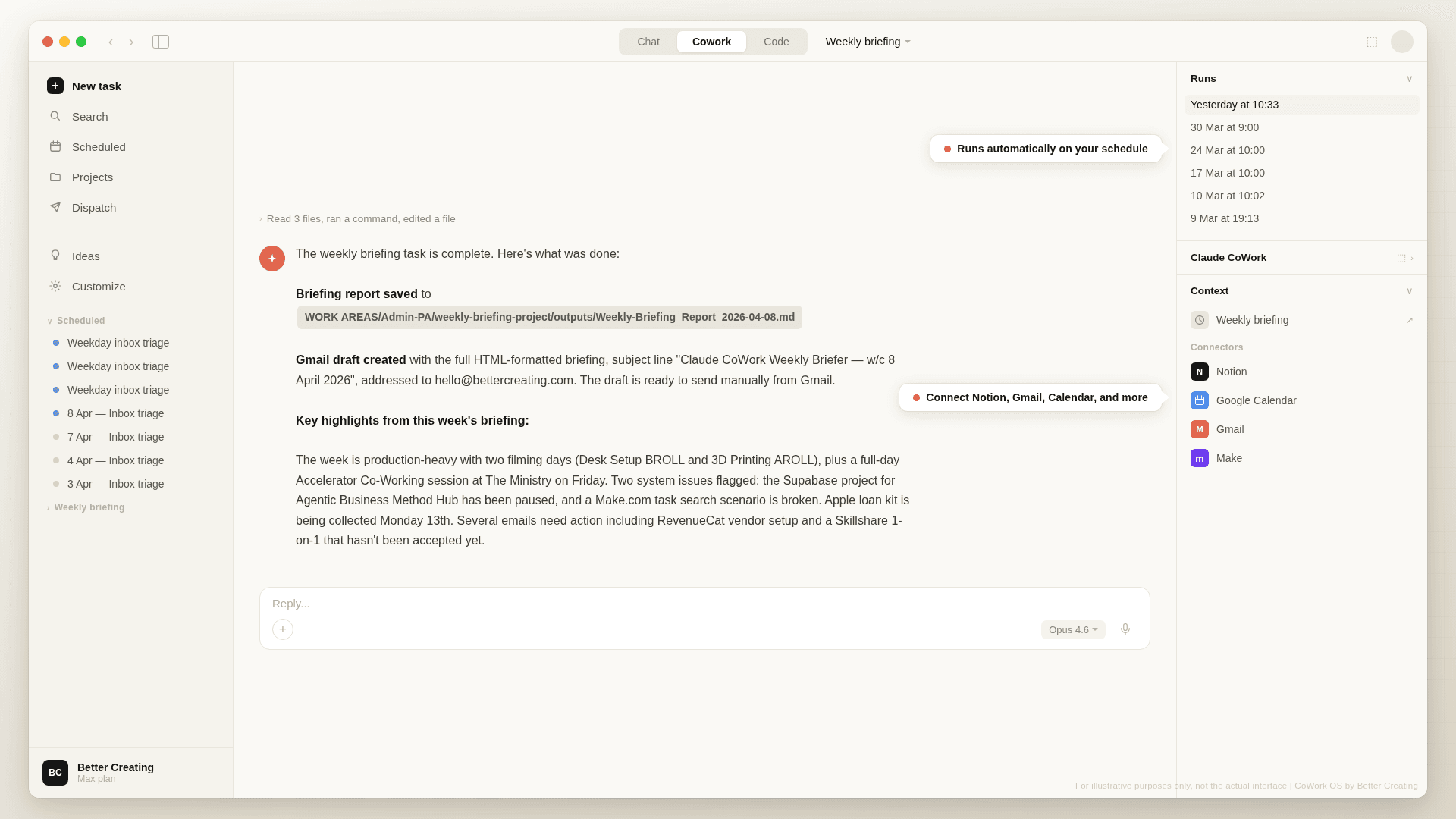
  • Yes. CoWork OS supports scheduled tasks — things Claude does on a schedule without you having to ask each time. The System Review, for example, runs monthly and produces a report on how your setup could be improved. But you can create your own: a Monday morning briefing that pulls from your calendar and email, an end-of-day summary that logs what you worked on, a weekly review that checks your projects and flags anything that's slipped. You describe what you want in plain English and Claude sets it up.

    Scheduled tasks run when the Claude desktop app is open, so if you leave your computer on with Claude running, they'll fire in the background. Combine that with Dispatch — Claude's mobile feature that lets you send tasks to your desktop session from your phone — and you've got a system that works for you even when you're not at your desk. Send it a task from your phone at lunchtime, come back to finished work on your screen.

    The First Week Guide walks you through building your first scheduled task on Day 4, so you'll have hands-on experience with this within your first week.

  • CoWork OS lives in a folder on your computer, so the full system only works in the Claude desktop app. But there are two ways to take it with you. First, during setup there's an option to generate a condensed summary of your identity that you can add to Claude's global memory — that gives Claude basic context about you in any conversation, including mobile and web.

    Second — and this is the more powerful option — Claude has a feature called Dispatch that lets you send tasks to your desktop CoWork session from your phone. Leave your computer running with Claude open, and you can message it remotely: "draft a reply to that email from James," "add a task to my project board," "research X and have a summary ready when I'm back." Your full CoWork OS setup, identity files, connected tools — all of it is available. It turns your desktop into an always-on personal assistant you can reach from anywhere.

  • Yes, completely. All my transactions go through either Notion Marketplace or Lemon Squeezy which uses secure encryption and doesn’t store your payment details. I will never receive or see that information & they act as Merchant Of Record, so as the buyer and seller - we are both protected and supported.

  • Since this is a product that cannot be returned (once you have it you have it) refunds are not available on the product. We recommend that you, if you have concerns, email notion@bettercreating.com with any queries before purchasing.

  • Yes – all digital products sold to EU customers are required to include a VAT charge, and my payment processors Lemon Squeezy and Notion Marketplace (Stripe) automatically calculates this charge.

    BUT… If you have a business with a valid VAT number, you can get that VAT charge refunded after purchase.

  • This system has huge potential to increase your productivity and output in the work you do, so there is no reason why not. If you don’t receive an invoice/receipt for any reason you can email me at notion@bettercreating.com

  • We are a small team - but try to answer questions where possible - email us at notion@bettercreating.com if you have something important to ask! :)

  • There is a feedback form linked in the PDF guides - or just ask Claude to find the link to send feedback in the PDF guides. This will take you to a Notion form where you can come back to me.

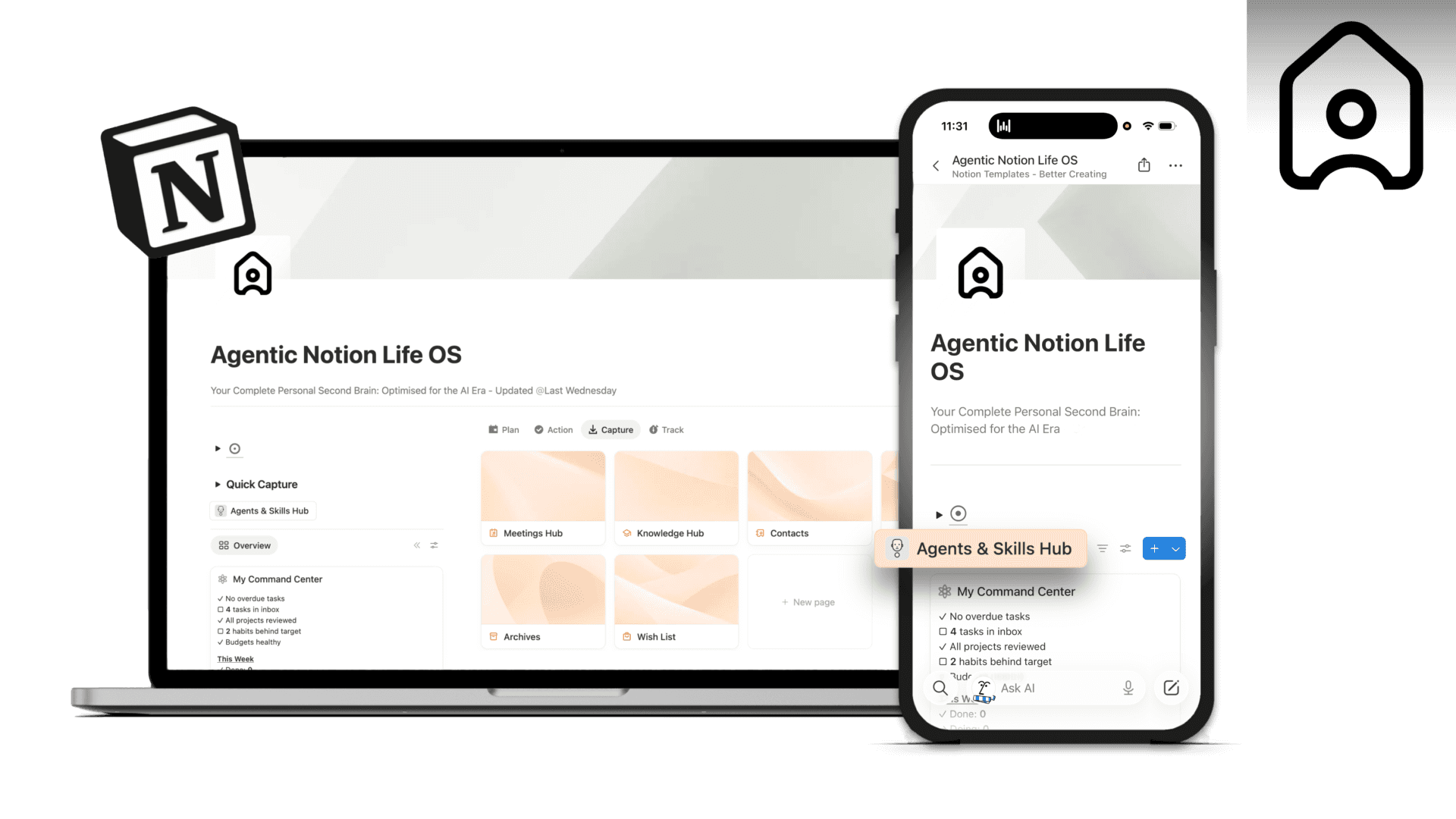
  • I’ll be continuing to improve and update AgentOS over time. You’ll have access to the updated version for the current year & it’s easy to swap out without messing up your other systems in Notion.

    You’ll be able to download additional add-on sub-agents in future too!

  • When we release a new version, it'll be available as an updated download on Lemon Squeezy — you'll get notified and can grab the latest zip from the same place you bought the original. Your identity files, projects, and everything you've built won't be affected — updates only touch the system files (skills, guides, templates, instructions).

    We're also working on a GitHub-based delivery system that would let you pull updates directly without re-downloading. When that's ready, you'd just say "check for updates" in chat and Claude would handle the rest — updating your skills, guides, and system files while keeping all your personal content exactly as it is. That's coming soon, but not confirmed yet.